 ScaleInk
Pen & marker
Choose line width and color to write instructions and review notes right on the drawing.
An iPad drawing review app for architecture, design, and construction
Review drawings, measure to scale, and organize your notes in layers, all in one app. With ScaleInk, open a drawing and mark it up, measure it, and sort out your notes right on the spot.
iPad only · Apple Pencil supported · No ScaleInk account required
REDLINE
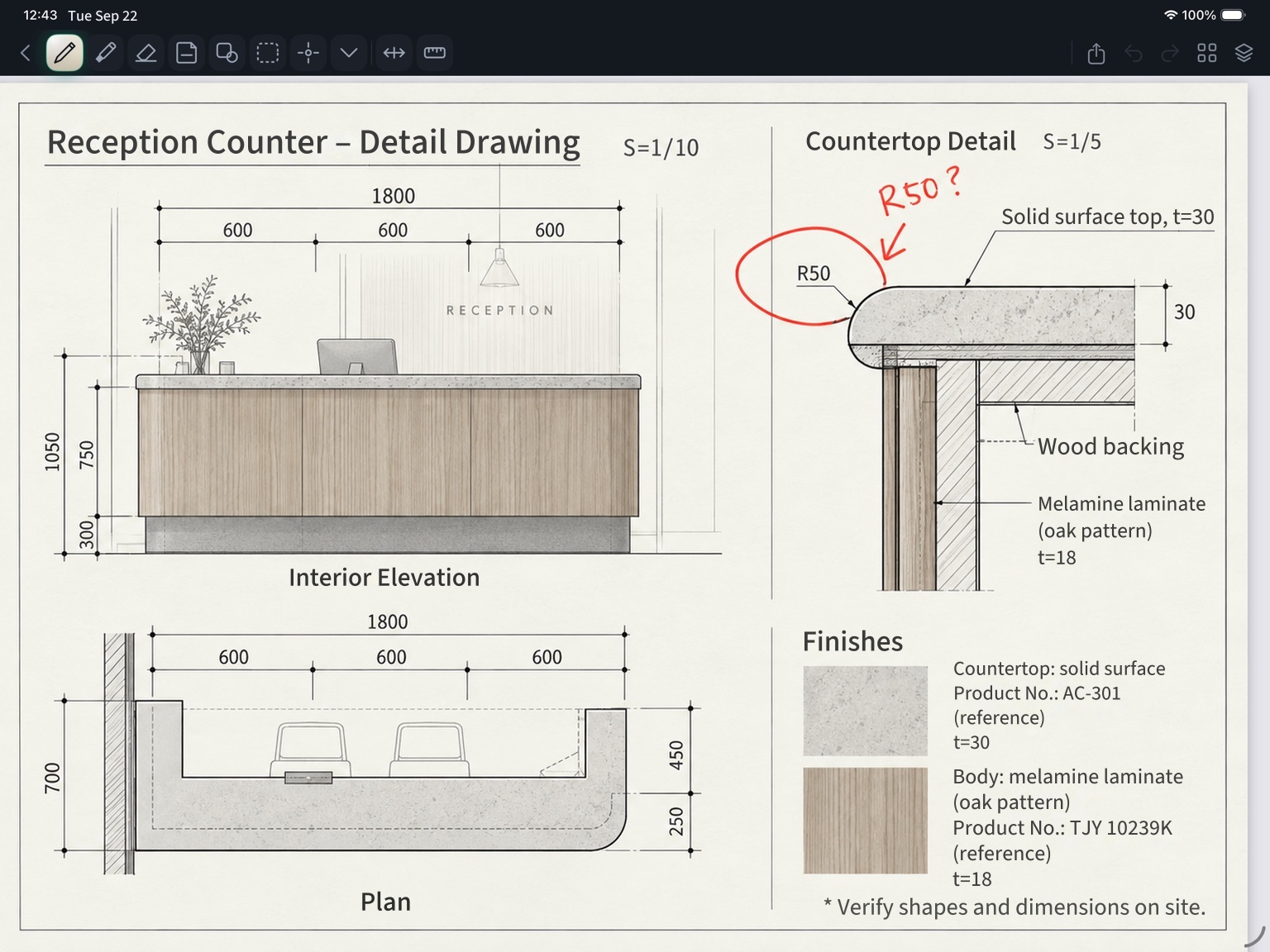
ScaleInk lets you write directly on PDF drawings with Apple Pencil. Besides the pen, marker, and eraser, you can leave instructions with text and shapes.
No printing needed. Keep reviewing right on the drawing, as you look at it.
MEASUREMENT
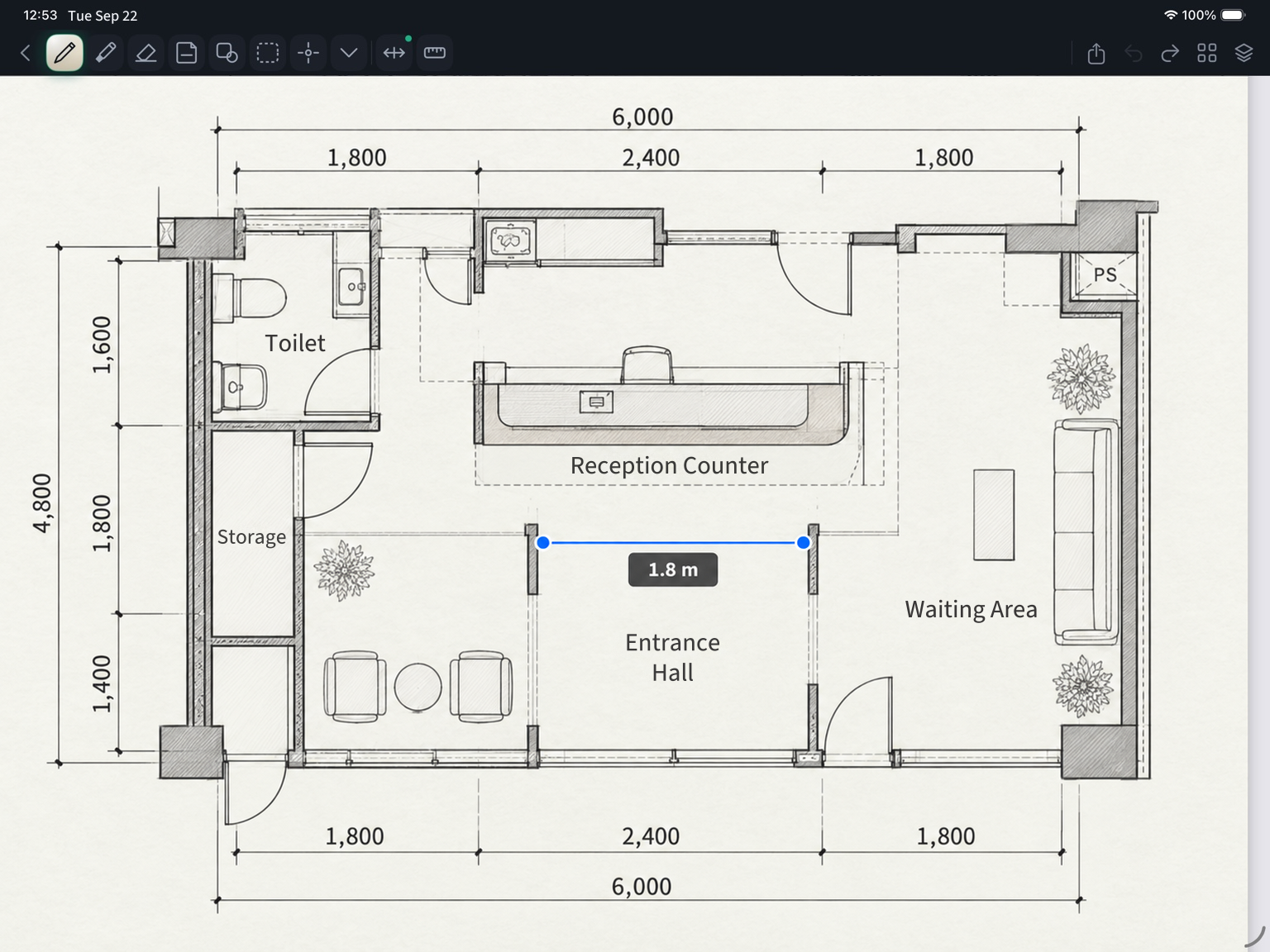
Register the scale from a known dimension on the drawing. Trace the span you want to measure, and the real-world length appears right on the drawing.
No need to re-apply a paper scale. Check distances and dimensions directly on the PDF.
Works with both metric and feet-and-inches units.
LAYERS
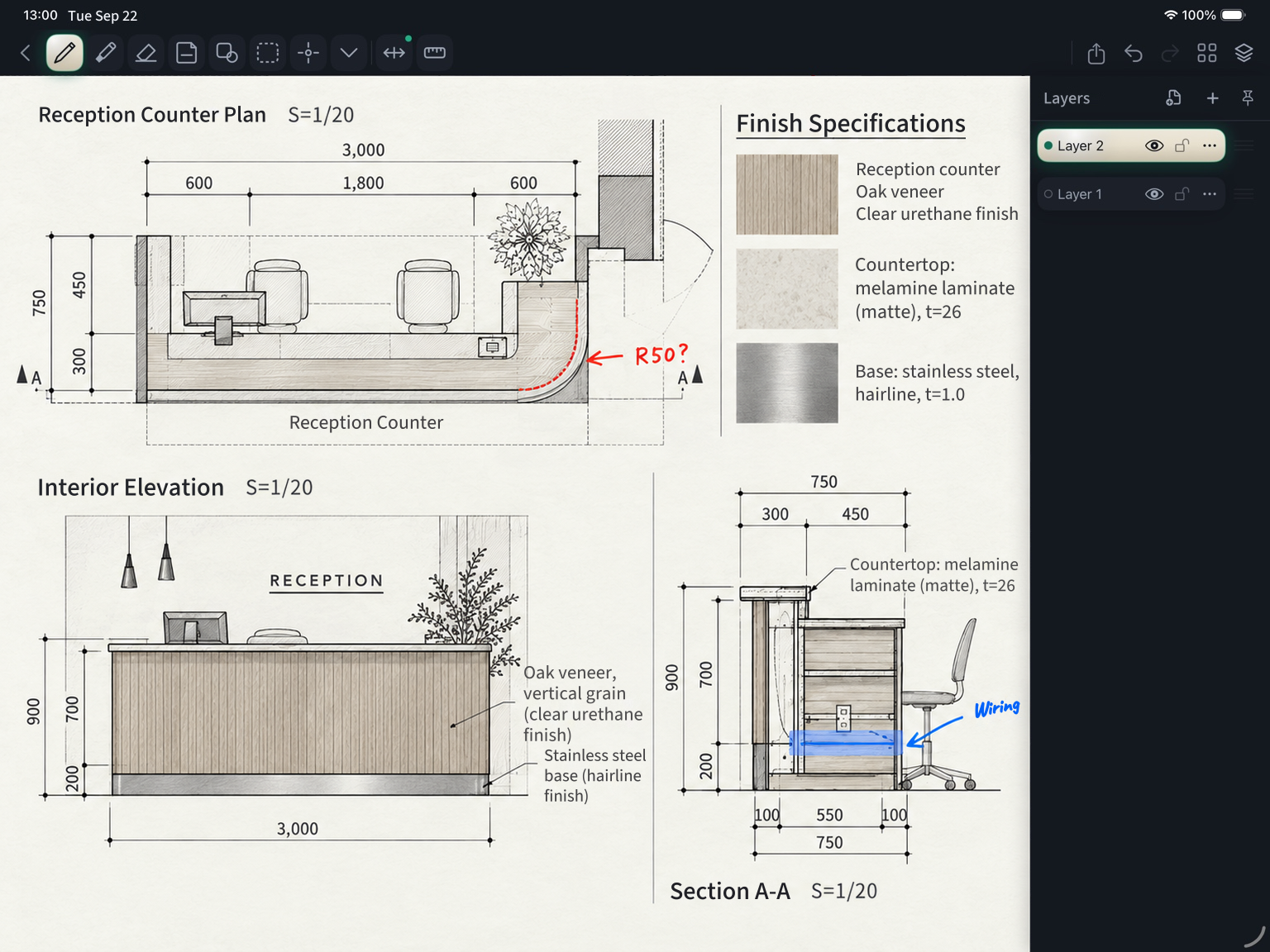
Organize your markup and equipment notes on separate layers. Toggle visibility to see only the notes you need.
You can also rename, duplicate, adjust the opacity of, and lock layers.
PROJECTS
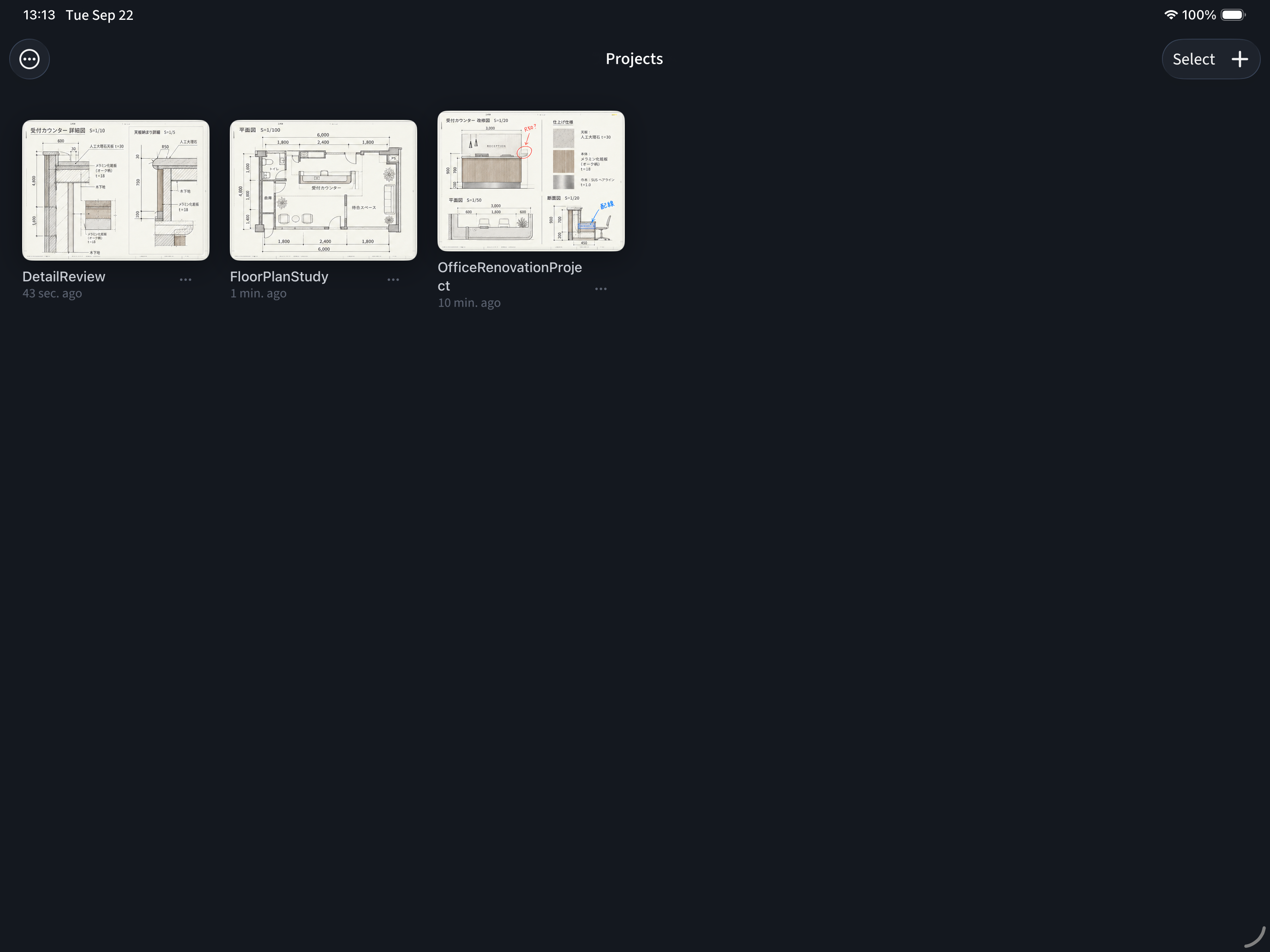
Imported PDFs are saved by project. Floor plan studies, detail reviews, renovation jobs: organize your work by project while browsing thumbnails.
Jump back to the drawing you need and pick up where your last review left off.
TOOLKIT
Choose line width and color to write instructions and review notes right on the drawing.
Use text, lines, rectangles, and more to capture what handwriting alone can't make clear.
Show a ruler on screen and draw straight lines while keeping the angle.
Overlay another PDF page as a reference PDF layer and compare the two while aligning their positions.
Work with multi-page PDF drawings in a single project, without worrying about page count.
Export a PDF that reflects your review and share it as is.
PRICING
The free version includes the basics: PDF markup, scale measurement, layer management, and PDF export.
When you want more projects or layers, you can upgrade to ScaleInk Pro.
ScaleInk Free
ScaleInk Pro
No limits on projects or layers
Monthly / Annual: Use the ScaleInk Pro features. Ongoing online services may be added in the future.
Lifetime: One purchase gives you lasting access to the ScaleInk Pro features provided on your device, with no expiration.
Plan and purchase terms (Japanese)The Lifetime plan supports Family Sharing. The layer limit includes the original PDF background. Prices are shown in your local currency on the App Store.
FAQ
ScaleInk is an iPad-only app. You can use Apple Pencil for writing on drawings and working with them.
Yes. Import a standard PDF drawing and add your review with the pen, marker, text, shapes, and more.
Register the scale using a known dimension shown on the drawing, then pick the two points you want to measure. Results are displayed based on the scale you registered. Both metric and feet-and-inches units are supported.
Yes. The free version includes scale registration, measurement, and PDF export. Exported PDFs have no watermark.
You can create up to 3 projects in total, and up to 4 layers per page in total, including the original PDF background. There is no limit on the number of PDF pages.
No ScaleInk account is required. Cloud sync and collaborative editing are not supported at this time.
SCALEINK
Import a PDF, then mark it up, measure it, and organize it.
ScaleInk is free to start.